If you’re searching for practical guidance on ergonomic gaming chair selection, you’re likely tired of flashy marketing and want real answers about comfort, posture, and long-term performance. The right chair isn’t just about aesthetics—it directly affects your focus, reaction time, and physical health during long sessions. This article is built to help you cut through the noise and choose a chair that supports your back, aligns your spine, and fits your specific gaming setup.
We’ve analyzed biomechanics research, reviewed feedback from competitive players, and evaluated real-world gaming setups to identify what actually matters—lumbar support design, seat depth, adjustability range, and material durability. Instead of repeating generic advice, we break down the key features that make a measurable difference.
By the end, you’ll understand exactly what to look for, what to avoid, and how to match a chair to your body type and gaming habits—so you can upgrade your setup with confidence.
Your Gaming Chair: The Most Overlooked Piece of Performance Gear
Long sessions don’t hurt—they degrade reaction speed and decision accuracy (yes, milliseconds matter). Most guides obsess over RGB and racing stripes. Few explain why posture changes performance. When your lumbar spine collapses (that lower-back inward curve), your diaphragm compresses, reducing oxygen intake and accelerating fatigue.
Skeptics argue skill trumps seating. True—talent wins matches. But pros use support to maintain spine alignment over hours (see OSHA ergonomic research).
Use a step-by-step framework for ergonomic gaming chair selection: measure seat depth, match lumbar height, test recline tension, set armrests level with desk.
Pro tip: if your knees rise above hips, rethink fit.
Decoding Ergonomics: The 5 Non-Negotiable Features for Gamers
Dynamic Lumbar Support
A static lumbar pillow is exactly what it sounds like: fixed, one-size-fits-some cushioning. An adjustable, integrated lumbar system moves up, down, and sometimes in depth to match the natural inward curve of your lower spine (called the lumbar lordosis). That curve isn’t optional; flatten it for hours and your back protests. Think of it like suspension tuning in a race car—fine adjustments matter. Some argue pillows are cheaper and “good enough.” Maybe for short sessions. But as competitive sessions stretch longer, dynamic systems will likely become standard in ergonomic gaming chair selection.
4D Armrests
4D means adjustable in height, width, depth, and angle. Why does that matter? Because your arms shouldn’t hover like you’re perpetually startled. Proper positioning keeps shoulders relaxed and wrists neutral during intense mouse flicks or controller marathons. Research from OSHA links poor arm support to shoulder and neck strain. Critics say fixed armrests build “discipline.” In reality, bodies differ. Expect future chairs to add micro-adjust memory presets (speculation, but it’s where the tech is heading). Pro tip: elbows should rest at roughly 90 degrees while typing or gaming.
Seat Adjustability (Height, Depth, and Tilt)
Seat height ensures feet lie flat, promoting circulation. Seat depth controls the “waterfall edge”—a slightly curved front that reduces pressure on thighs and supports blood flow (the opposite of that numb-leg feeling). Tilt-lock lets you recline securely without feeling like you’re drifting in zero gravity. Some gamers prefer rigid upright positions for focus. Fair. But biomechanical studies suggest subtle movement reduces fatigue over time. The future? Adaptive tilt systems that respond to posture shifts automatically (speculative, yet plausible).
Adjustable Headrest & Neck Support
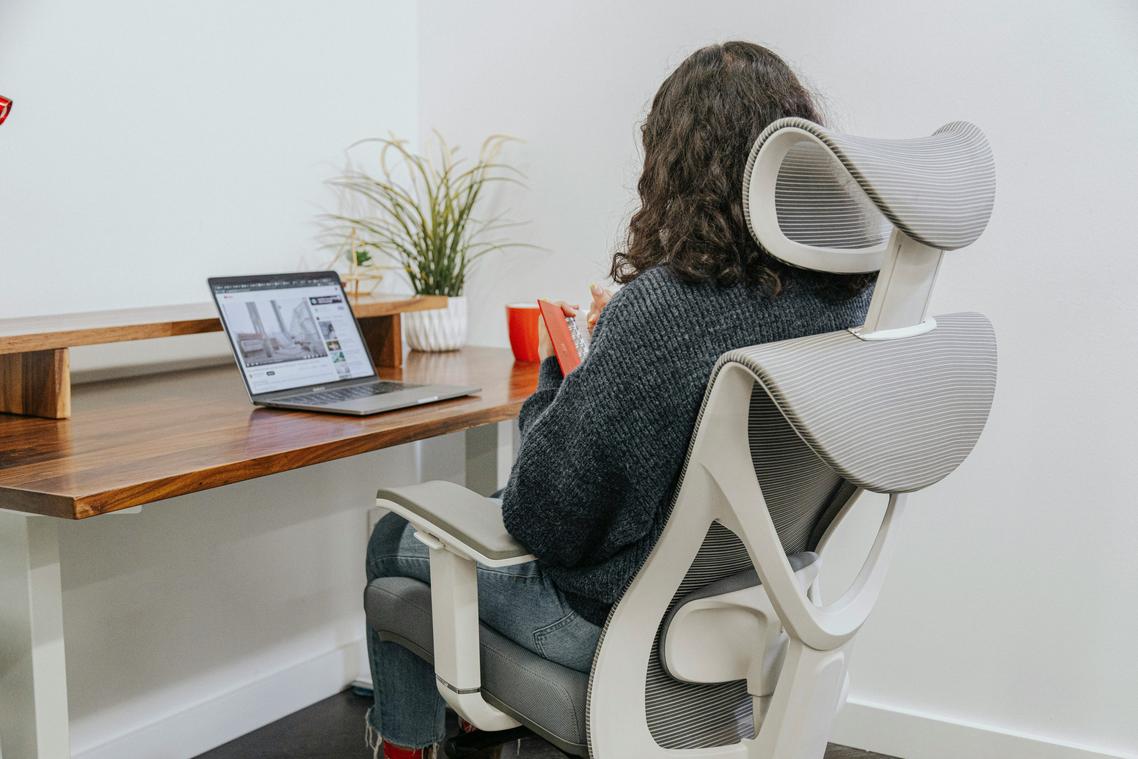
A well-positioned headrest supports the cervical spine—the neck’s natural curve—preventing “tech neck,” a forward-head posture linked to device use (Harvard Health). Especially when reclining, proper support keeps your head from jutting forward like a cutscene villain. Skeptics call headrests unnecessary. Try leaning back without one for an hour.
Recline and Tilt Tension
A synchronous tilt lets seat and backrest move together, encouraging natural motion and reducing stiffness. Expect smarter resistance controls soon.
The Great Debate: “Gamer” Chairs vs. Ergonomic Office Chairs
The “Racer” Style Myth
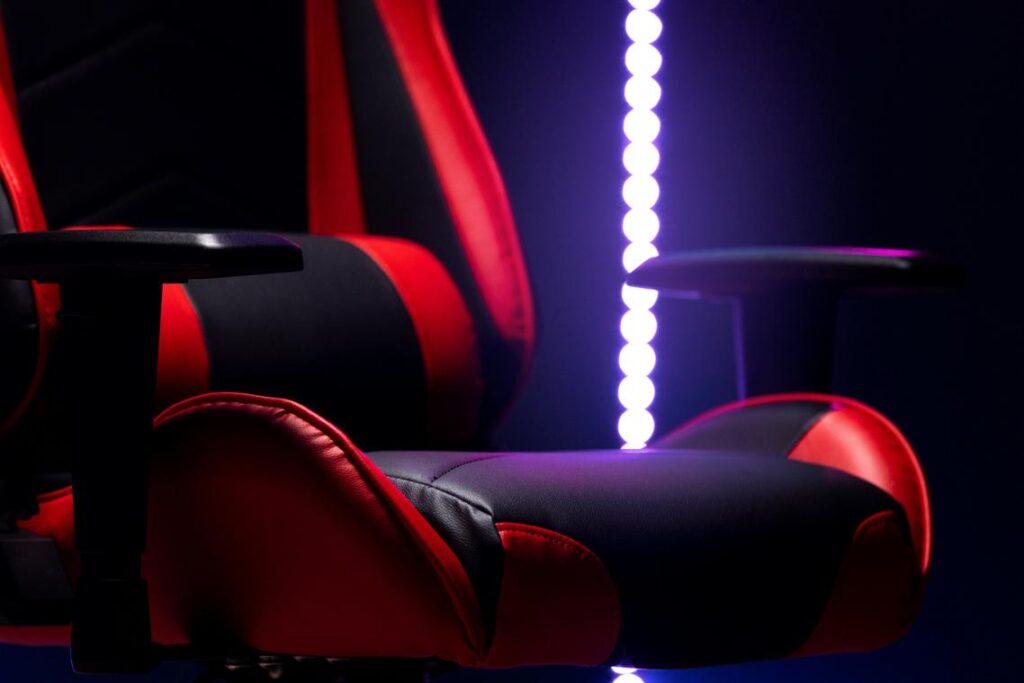
Racing-style gaming chairs look fast (even when you’re just queueing for a match). But the bucket seat design—originally built to hold drivers steady during sharp turns—can restrict natural movement at a desk. In a car, that rigidity makes sense. At a keyboard for six hours? Not so much. Limited shoulder freedom and fixed lumbar curves often clash with how bodies actually sit.
Function Over Form
A high-quality ergonomic office chair prioritizes adjustability—the ability to modify seat height, lumbar depth, armrest position, and tilt tension. Research from OSHA and the Mayo Clinic shows proper lumbar support and neutral posture reduce back strain and fatigue (OSHA Ergonomics Guidelines; Mayo Clinic Office Ergonomics).
Practical checklist:
- Adjustable lumbar support (height and depth)
- Seat depth control
- 3D or 4D armrests
- Breathable material for long sessions
Pro tip: During ergonomic gaming chair selection, test whether your feet rest flat and your knees sit at roughly 90 degrees.
Where Gaming Chairs Get It Right
Some premium models shine with deep recline angles—great for controller gaming—and highly adjustable armrests.
The Verdict
Ignore marketing labels. Prioritize features first. Just like learning how to optimize your gaming pc for maximum fps, performance beats aesthetics every time.
Fabric vs. Leather: Mesh and high-quality fabric breathe, dispersing heat during marathon sessions (your back will notice). PU leather—short for polyurethane, a synthetic coating—offers that sleek, “pro-streamer” look, while genuine leather delivers premium feel. The tradeoff? Both can trap heat and show wear if poorly maintained.
The real backbone is the frame. A steel core with a reinforced aluminum or steel base resists wobble, unlike cheaper nylon that may flex over time. Think of it like building a PC: solid foundation, fewer crashes.
Casters matter, too. Larger polyurethane wheels—dense, rubber-like material—roll smoother and quieter, and they’re safer for hardwood than hard plastic.
What’s next? After ergonomic gaming chair selection, check weight rating, tilt mechanism, and replacement-part availability. Pro tip: invest once; your future setup—and spine—will thank you. Quality materials cost more upfront, but they outlast budget builds, reducing squeaks, repairs, and mid-season replacements. Your next upgrade should prioritize durability first.
Finding Your Perfect Fit: A Gamer’s Sizing Guide
Not every gaming chair fits every gamer. Chairs are built for specific height and weight ranges, and ignoring those specs can wreck your posture (and your win streak). Ergonomics means designing gear to support your body’s natural alignment, reducing strain over time. Studies from OSHA show poor seating posture contributes to back pain and fatigue (osha.gov).
Step 1: Measure Yourself
• Stand against a wall and note your full height.
• Sit upright on a flat chair and measure from floor to top of your head (your seated height).
• Check your current weight.
Compare these numbers to the chair’s listed range before ergonomic gaming chair selection.
Step 2: Do the Fit Test
When seated:
• Feet flat on the floor
• 2–3 inches between seat edge and knees
• Armrests level with elbows
Pro tip: If your shoulders hunch, the chair’s too small. Think tailored suit, not oversized hoodie.
Pain and fatigue sabotage high scores. When your back aches or wrists burn, reaction time slows and focus slips. That’s not “just getting older”; it’s poor support. An ergonomic chair simply means a seat designed to match your body’s natural alignment—adjustable height, lumbar support, armrests that move, and a seat depth that fits.
Some argue any stylish racing chair works. But looks aren’t posture.
Use this ergonomic gaming chair selection checklist:
- Adjustability in multiple directions
- Personal fit over branding hype
- Durable cushioning
Invest in comfort to unlock consistency—and game longer, stronger. Your future self will thank you. Every single match.
Level Up Your Gaming Setup Today
You came here looking for practical ways to upgrade your gaming experience—and now you have a clear roadmap. From performance-boosting mods to smarter setup tweaks and winning play strategies, you know exactly how to eliminate lag, reduce fatigue, and gain a competitive edge.
Ignoring these improvements means staying stuck with discomfort, slow response times, and missed in-game opportunities. Small setup flaws can quietly hold back your performance for months. Whether it’s optimizing your hardware, refining your mod stack, or investing in ergonomic gaming chair selection, every upgrade compounds into better focus, faster reactions, and longer, pain-free sessions.
Now it’s time to act. Start by auditing your current setup today. Identify one weak point and fix it immediately. Then implement a high-impact mod or configuration change to see instant performance gains.
Thousands of competitive players trust proven setup strategies to sharpen their edge—don’t let outdated gear or poor ergonomics slow you down. Upgrade your setup now, optimize your play, and turn every session into a winning advantage.