If you’re searching for ways to reduce input lag gaming, you’re likely tired of delayed reactions, missed shots, and controls that just don’t feel responsive. In fast-paced competitive titles, even a few milliseconds can be the difference between winning and losing. This guide is built specifically to help you understand what input lag really is, what causes it, and the most effective ways to minimize it across your setup.
We break down the technical factors—monitor response times, refresh rates, GPU settings, controller latency, and system optimization—into clear, actionable steps you can apply immediately. Our recommendations are based on tested optimization methods, performance benchmarks, and widely accepted hardware best practices used by competitive players.
Whether you’re on PC or console, this article will walk you through proven strategies to fine-tune your hardware and settings for smoother, more responsive gameplay—so your skill, not your setup, determines the outcome.
Your monitor is often the hidden bottleneck in competitive gaming. Even with a top-tier GPU, a slow panel delays what you see. Upgrading your display is the fastest way to reduce input lag gaming setups suffer from.
High Refresh Rate (Hz) is non-negotiable. Moving from 60Hz to 144Hz more than doubles how often the screen updates each second. That means new frames appear every 6.9ms instead of 16.7ms, shrinking the gap between your mouse click and the on-screen reaction. (Yes, it feels like upgrading from standard TV to IMAX.)
Response Time: GtG vs. MPRT. Grey-to-Grey (GtG) measures how fast pixels shift between colors, making 1ms GtG the competitive benchmark. MPRT reflects motion blur reduction and can look impressive on paper, but it is not a pure speed metric. Prioritize low GtG for sharper tracking in shooters and racing sims.
Variable Refresh Rate (VRR) Explained. G-Sync and FreeSync sync your monitor’s refresh rate to your GPU’s frame output, eliminating tearing and stutter that masquerade as lag. Enable it in your GPU control panel, then switch it on in-game with V-Sync off for best results.
Finally, use:
- Exclusive Fullscreen to bypass the OS compositor and cut latency.
- Native resolution to avoid scaling delays.
- Overdrive settings carefully tuned to prevent ghosting artifacts.
These features are measurable, testable specifications, but their real benefit is simple: clearer motion, faster feedback, and a competitive edge you can actually feel in every flick, strafe, and clutch moment. Milliseconds matter more than most players realize.
Your Peripherals: The Link Between You and the Game
First, let’s kill the biggest myth: not all wireless peripherals are laggy. Modern 2.4GHz wireless tech—like Logitech Lightspeed and Razer HyperSpeed—operates at sub‑1ms latency, making them virtually indistinguishable from wired in blind tests (RTINGS, 2023). In other words, unless you’re a robot, you won’t feel the difference. The real advantage? Less cable drag and cleaner setups—especially if you’ve optimized your gaming desk cable management (yes, it matters more than you think).
Next, polling rate. This refers to how often your mouse or keyboard reports its position to your PC, measured in Hertz (Hz). A 1000Hz polling rate means updates every 1 millisecond. Anything lower introduces measurable delay. Some argue 500Hz is “good enough,” and technically it is—but if your goal is to reduce input lag gaming, 1000Hz should be your baseline.
Equally important is your mouse sensor and surface. A high‑quality optical sensor paired with a clean, consistent mousepad prevents micro‑stutters that players often mistake for system lag. (Dust is the silent performance killer.)
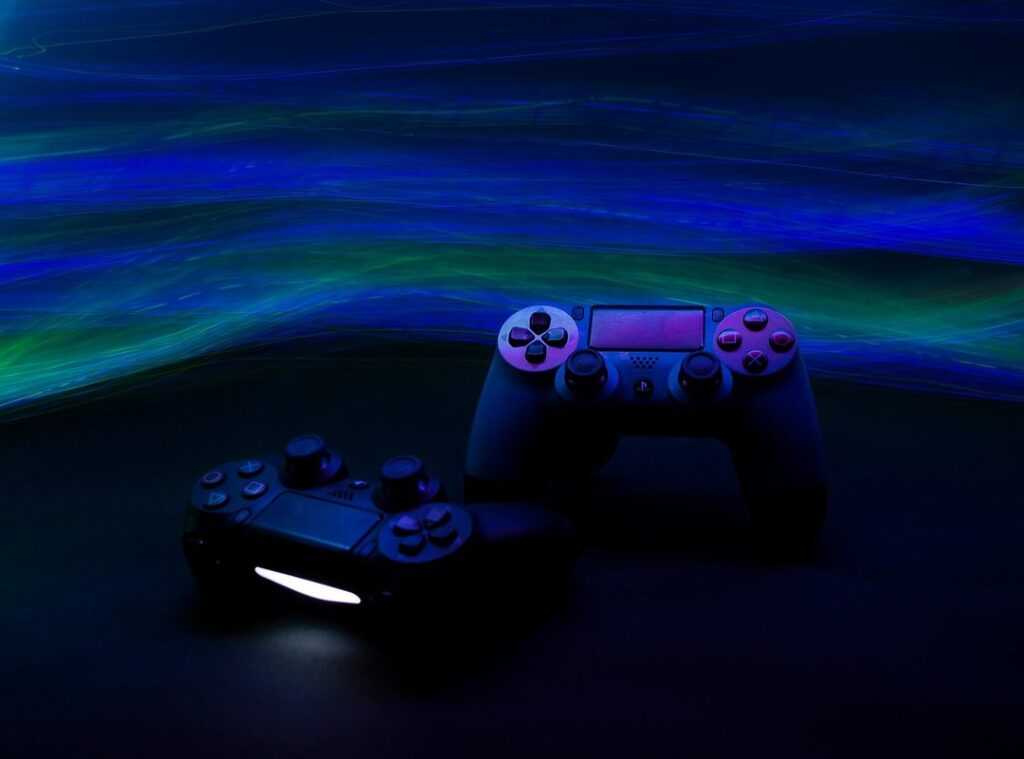
For controller players, wired almost always beats Bluetooth in latency tests (Digital Foundry, 2022). Advanced users can even use controller overclocking utilities to push polling rates higher—just be sure your USB ports can handle it.
Optimizing Your Rig: Squeezing Every Millisecond from Your PC

If you’re serious about reduce input lag gaming, you have to start with the obvious culprits: in-game settings. Latency is the delay between your action and what happens on screen (measured in milliseconds). In my experience, V-Sync is enemy number one. It synchronizes frame rate to your monitor’s refresh rate, but adds delay. Turn it off and use VRR (Variable Refresh Rate, like G-Sync or FreeSync) instead. Blur effects? Disable motion blur immediately (your GPU will thank you).
Lower CPU-heavy settings such as:
- Shadow quality
- Physics simulations
- Volumetric lighting
These often bottleneck performance more than texture resolution (counterintuitive, I know).
Next: GPU drivers. In NVIDIA Control Panel, set Low Latency Mode to Ultra. On AMD, enable Anti-Lag. NVIDIA Reflex, available in supported titles, reduces render queue delay—set it to On + Boost. NVIDIA reports measurable latency reductions with Reflex in competitive games (NVIDIA Developer Docs).
Windows tweaks matter too:
- Enable Game Mode
- Disable “Enhance pointer precision” (mouse acceleration skews muscle memory)
- Use High Performance or Ultimate Performance power plan
Some argue these tweaks barely matter. I disagree. A few milliseconds won’t turn you into an esports pro overnight (sorry), but stacked together, they’re noticeable.
Finally, do a clean driver install using DDU (Display Driver Uninstaller). It removes residual files that cause stutter—something I’ve personally seen fix “mystery lag” more than once.
Pro tip: Reboot after every major tweak. It sounds basic, but Windows loves holding onto old settings.
Advanced Tweaks for the Competitive Edge
I once ignored my BIOS settings and wondered why my GPU underperformed. After enabling Resizable BAR and setting my RAM to its rated speed with XMP/DOCP, frames stabilized instantly. Next, I confused input lag with network latency. Ping spikes from Wi-Fi were the real culprit. Switching to wired Ethernet fixed that. Then I learned about frame capping. Capping at 141 FPS on my 144Hz monitor kept VRR active and frame times consistent. Eventually, these tweaks helped me reduce input lag gaming without chasing gimmicks. Small lessons, big wins in competitive matches. Trust your data.
Level Up Your Performance Today
You came here looking for real ways to sharpen your gameplay, optimize your setup, and stay ahead of the competition—and now you have the tools to do exactly that. From smart modding strategies to hardware tweaks that reduce input lag gaming issues, you’re equipped to eliminate the frustrating delays and performance drops that hold you back.
Lag, stutters, and unresponsive controls aren’t just minor annoyances—they cost you wins. The difference between average and elite often comes down to optimization. When your system runs smoothly, your skills truly shine.
Now it’s time to take action. Apply these tweaks, upgrade your setup where it counts, and stay updated with the latest modding strategies and performance hacks. Thousands of gamers rely on our proven guides to fine-tune their rigs and dominate their lobbies.
Don’t let poor performance cap your potential. Dive into more optimization guides, implement the changes today, and start playing at the level you know you’re capable of.

 Ask Geneva Burnsinser how they got into platform play strategies and you'll probably get a longer answer than you expected. The short version: Geneva started doing it, got genuinely hooked, and at some point realized they had accumulated enough hard-won knowledge that it would be a waste not to share it. So they started writing.
What makes Geneva worth reading is that they skips the obvious stuff. Nobody needs another surface-level take on Platform Play Strategies, Insider Tips, Tech-Enhanced Game Mods. What readers actually want is the nuance — the part that only becomes clear after you've made a few mistakes and figured out why. That's the territory Geneva operates in. The writing is direct, occasionally blunt, and always built around what's actually true rather than what sounds good in an article. They has little patience for filler, which means they's pieces tend to be denser with real information than the average post on the same subject.
Geneva doesn't write to impress anyone. They writes because they has things to say that they genuinely thinks people should hear. That motivation — basic as it sounds — produces something noticeably different from content written for clicks or word count. Readers pick up on it. The comments on Geneva's work tend to reflect that.
Ask Geneva Burnsinser how they got into platform play strategies and you'll probably get a longer answer than you expected. The short version: Geneva started doing it, got genuinely hooked, and at some point realized they had accumulated enough hard-won knowledge that it would be a waste not to share it. So they started writing.
What makes Geneva worth reading is that they skips the obvious stuff. Nobody needs another surface-level take on Platform Play Strategies, Insider Tips, Tech-Enhanced Game Mods. What readers actually want is the nuance — the part that only becomes clear after you've made a few mistakes and figured out why. That's the territory Geneva operates in. The writing is direct, occasionally blunt, and always built around what's actually true rather than what sounds good in an article. They has little patience for filler, which means they's pieces tend to be denser with real information than the average post on the same subject.
Geneva doesn't write to impress anyone. They writes because they has things to say that they genuinely thinks people should hear. That motivation — basic as it sounds — produces something noticeably different from content written for clicks or word count. Readers pick up on it. The comments on Geneva's work tend to reflect that.