If you’re searching for the latest ways to upgrade your gameplay, discover hot gaming trends, and unlock powerful modding techniques, you’re in the right place. Today’s gaming landscape moves fast—new patches, competitive metas, hardware upgrades, and breakthrough virtual reality game mods can completely change how a title feels overnight. This article is built to help you stay ahead of that curve.
We break down what’s trending, which mods genuinely enhance performance and immersion, and how to optimize your setup for smoother gameplay and sharper visuals. Whether you’re looking for smarter play strategies, tech-enhanced modifications, or practical tweaks to boost FPS and responsiveness, you’ll find actionable insights here.
Our guidance is rooted in hands-on testing, deep dives into modding communities, and continuous tracking of emerging gaming tech. Instead of hype, you’ll get clear explanations, proven optimization tips, and trend analysis that helps you play smarter and build a setup that performs at its best.
Beyond Stock VR: A New Reality Awaits
Stock experiences are polished, but they rarely push hardware to its limits. With virtual reality game mods you unlock features developers left on the table.
What changes?
- Higher-resolution textures for sharper environments
- Custom physics tweaks for deeper interaction
- Expanded maps and missions for longer play
These enhancements translate into gains: smoother frame pacing, improved field-of-view scaling, and adaptive haptic feedback. In practice, that means fewer immersion-breaking stutters and believable worlds.
Some argue mods risk instability. Fair. But vetted, community-tested builds minimize crashes while expanding replayability. Think of it as upgrading to premium mode.
What Is VR Modding and Why Is It a Game-Changer?
VR modding is the process of altering a game’s code, assets, or scripts to add new features, improve performance, or transform how it feels inside a headset. In simple terms, it’s the difference between playing a game as shipped and playing it as optimized for you. Think vanilla Skyrim VR vs. a fully customized build—the contrast can feel like standard definition versus 4K.
On one hand, you could stick with default settings. That’s stable and developer-approved. On the other hand, modding unlocks serious advantages.
Unlocking Performance: Tools like FSR or DLSS injection boost frame rates by intelligently upscaling resolution. Higher, steadier FPS (frames per second) reduces motion sickness—a common VR hurdle (and yes, your stomach will thank you).
Visual Fidelity: Texture packs and lighting overhauls push graphics beyond stock presets. Shadows deepen, environments sharpen, and suddenly that medieval dungeon feels cinematic.
Endless Replayability: New quests, weapons, and mechanics can extend a game’s lifespan indefinitely—much like how GTA thrives on community creativity.
Personalization: From UI tweaks to remapped controls and comfort settings, virtual reality game mods let you tailor the experience precisely.
Some argue modding risks instability. Fair point. However, when chosen carefully, the payoff often outweighs the trade-off.
The Three Pillars of VR Modification
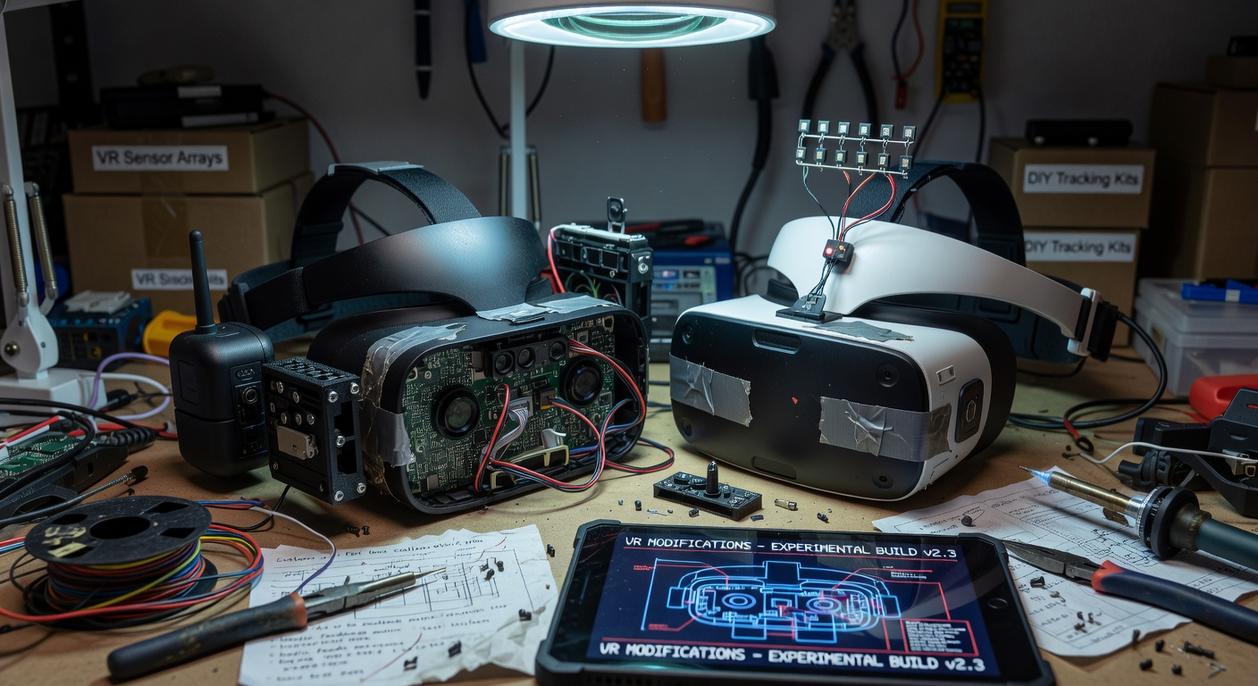
Virtual reality isn’t just about strapping on a headset and calling it a day. It’s about immersion—the feeling that you’ve stepped through the screen like Neo in The Matrix. That’s where virtual reality game mods come in, built on three essential pillars.
Pillar 1: Graphical & Performance Overhauls
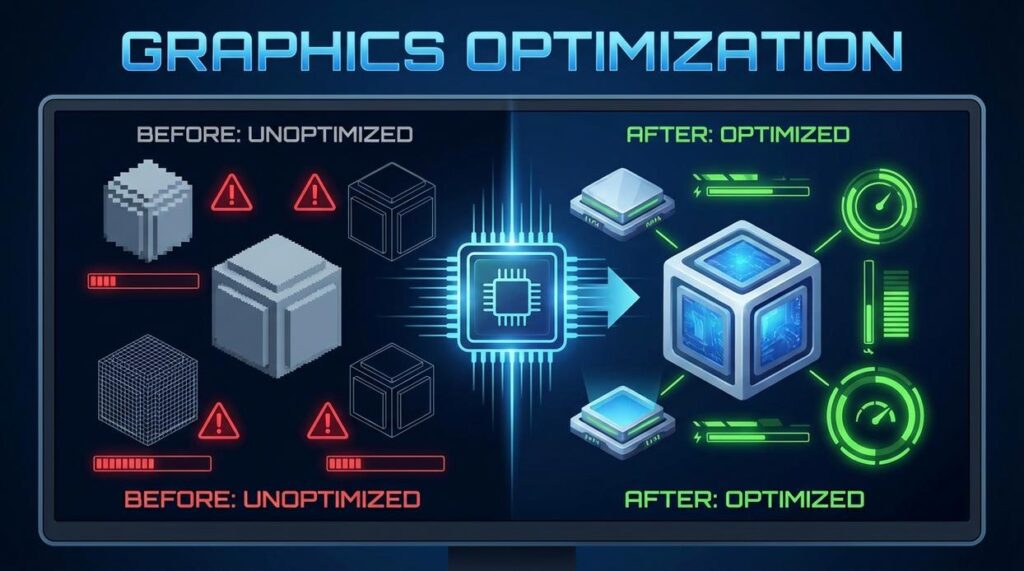
First, let’s talk visuals and stability. High-Resolution Texture Packs replace blurry, low-res assets with sharper, more detailed surfaces (because nobody wants a brick wall that looks like mashed potatoes). Advanced Lighting & Shaders introduce realistic shadows, reflections, and atmospheric effects, often transforming a flat scene into something cinematic. Meanwhile, Performance Optimizers use scripts and backend tweaks to boost frame rates and reduce stuttering—critical in VR, where even minor lag can break immersion or cause discomfort. In other words, this pillar makes your game look better and run smoother.
Pillar 2: Gameplay & Mechanics Expansion
Next, mods that reshape how you actually play. New Quests & Storylines add fresh, community-driven adventures, sometimes rivaling official DLC in scope. Physics Enhancements improve realism—think weightier weapons or more natural object handling. AI Improvements, on the other hand, make enemies smarter and less predictable (no more NPCs walking into walls like confused stormtroopers).
Pillar 3: Custom Content & Total Conversions
Finally, the boldest category. Custom Maps & Environments create entirely new worlds. New Weapons & Gear expand your arsenal with inventive, fan-designed equipment. And Full VR Conversions? They’re the moonshots—transforming non-VR titles into immersive experiences worthy of a Ready Player One marathon.
Together, these pillars redefine what VR gaming can be.
Your Safe Modding Playbook: Tools & Best Practices
If you’re serious about modding, here’s my blunt take: winging it is how you break your game. I’ve done it. We all have. One minute you’re adding a cool texture pack, the next your save file won’t load. So let’s talk tools and rules.
Essential Tools of the Trade
Mod Managers (Vortex, Mod Organizer 2)
These aren’t optional. They’re your safety net. A mod manager organizes load order (the sequence your game reads mods in), tracks conflicts, and lets you uninstall cleanly. Without one, you’re basically pulling wires out of a live circuit (and hoping nothing sparks).
Script Extenders & Frameworks
Think of tools like SKSE for Skyrim as foundational layers. A script extender expands what the base game engine can do, allowing advanced mods to function. Many gameplay overhauls and even virtual reality game mods depend on them.
The Golden Rules of Safe Modding
-
Always Back Up Your Saves
Before installing anything. No excuses. Cloud storage counts, but I prefer manual backups too (paranoid? maybe. Safe? definitely). -
Read the Descriptions
Requirements, compatibility notes, installation steps—read them. Most “bugs” are user error. -
Start Small
Install one mod at a time. If something breaks, you’ll know why. -
Use Trusted Sources
Stick to reputable hubs like Nexus Mods. Random download sites are a gamble.
If you’re experimenting with gameplay tweaks like realistic physics mods that change game mechanics, caution matters even more.
Some players argue modding risk is part of the fun. Sure. But I’d rather spend time playing than troubleshooting at 2 a.m. (again).
Skyrim VR: Once dismissed as a barebones port, now boasts physics-driven combat via HIGGS and VRIK, with 4K texture overhauls downloaded millions of times. Meanwhile, Blade & Sorcery’s mod.io hosts 3,000+ creations, adding weapon packs and spell systems that double average playtime, according to community surveys. Similarly, Half-Life: Alyx Workshop maps like “Levitation” earned Steam awards, proving fan campaigns rival Valve’s polish. Even Fallout 4 VR sees UI fixes and performance patches that raise frame rates by 20–30%, based on benchmark tests. Collectively, these virtual reality game mods demonstrate how data-backed community innovation extends longevity far beyond launch. Proven impact.
Start Your Journey to Ultimate VR Immersion
Now that you have a roadmap, it’s time to act. First, choose one favorite title from your library—preferably a game you already know well. That way, you’ll instantly notice improvements (and trust me, you will). Next, visit a reputable modding platform and sort by highest-rated downloads. Start small: install one graphical upgrade designed for stability and performance.
Some players argue that mods complicate gameplay. Fair—but when installed carefully, virtual reality game mods expand realism, smooth performance, and replay value. So begin with one upgrade, test it, and then build from there. Step by step, your new reality awaits.
Level Up Your Gameplay Today
You came here looking for smarter ways to upgrade your gaming experience—and now you know exactly how hot trends, optimized setups, and virtual reality game mods can transform the way you play. From performance tweaks to immersive enhancements, you’ve seen how the right mods and strategies eliminate lag, boost visuals, and unlock deeper gameplay.
The real frustration isn’t a lack of games—it’s not getting the full potential out of them. Missed frames, limited features, and generic setups hold you back from the competitive edge and immersion you want.
Now it’s time to act. Explore the latest modding guides, apply proven optimization strategies, and start integrating virtual reality game mods to experience gaming the way it was meant to be played. Thousands of gamers trust our top-rated insights to sharpen performance and dominate their sessions.
Don’t settle for default settings. Upgrade your setup, install the right mods, and take control of your game today.