
What if your favorite game could feel brand new again? Game modding opens the door to transforming and personalizing your gaming experience—whether that means enhanced graphics, new characters, quality-of-life upgrades, or entirely new storylines. Yet many players hesitate to start. The technical steps seem overwhelming, and fears about breaking a game or risking a ban can hold you back. With years of hands-on experience testing, creating, and safely installing mods across a wide range of titles, we know what works—and what to avoid. This beginner-friendly game modding guide will walk you step by step through choosing, installing, and enjoying your very first mod safely.
What Exactly is a “Mod” and Why Should You Care?\n\nAt its core, a mod (short for modification) is a user-created change that alters or adds to a released video game. Think of it as repainting the walls of your favorite room, rearranging the furniture, or even building a new wing entirely. Through a solid game modding guide, players can tweak how a game looks, feels, and even sounds.\n\nGenerally speaking, mods fall into three categories. Cosmetic mods adjust visuals—new character skins, sharper textures, glowing swords that shimmer like neon at midnight. Quality-of-life mods refine the experience, smoothing clunky menus or organizing chaotic inventories (because nobody enjoys scrolling forever). Finally, major content mods introduce fresh quests, maps, and characters—sometimes so seamless they feel official.\n\nSome argue mods “ruin” the developer’s vision. That’s fair. Yet for many players, mods extend a game’s lifespan, personalize every detail, and open the door to a vibrant, creative community buzzing with shared ideas.
The Ground Rules: Is Modding Safe, Legal, and Will It Get You Banned?
First things first: is modding legal? In most cases, yes. For single-player games, modding—meaning altering a game’s files to change visuals, mechanics, or content—is perfectly legal and often encouraged. Developers like Bethesda and CD Projekt Red actively support mod communities because they extend a game’s lifespan (and let’s be honest, sometimes fix what shipped broken). If you’ve ever watched new textures shimmer in 4K or heard a remastered soundtrack pulse through your speakers, you’ve experienced how transformative mods can feel.
That said, critics argue that “modding is always risky.” They’re not entirely wrong—but context matters. The real danger zone is multiplayer. Competitive online games typically forbid mods in their Terms of Service (the legal agreement you accept before playing). Why? Because modified files can create unfair advantages. Even harmless tweaks can trigger anti-cheat systems, leading to permanent bans. No warning. No appeal. Just a silent login screen.
Now, let’s talk safety. The biggest risk isn’t legality—it’s malware. Downloading from shady sites can expose your system to viruses disguised as mod files. To stay safe:
- Use reputable mod communities with active forums
- Check user reviews and download counts
- Scan files with antivirus software
- Avoid sites flooded with pop-ups or sketchy redirects
Before installing anything, create a clean install (a fresh copy of the game without mods) and back up your save files and original game data. Pro tip: store backups on a separate drive if possible.
Follow a trusted game modding guide, move carefully, and you’ll hear that satisfying click of a mod working—without the crash that follows carelessness.
Your Modding Toolkit: Essential Software and Where to Find Mods
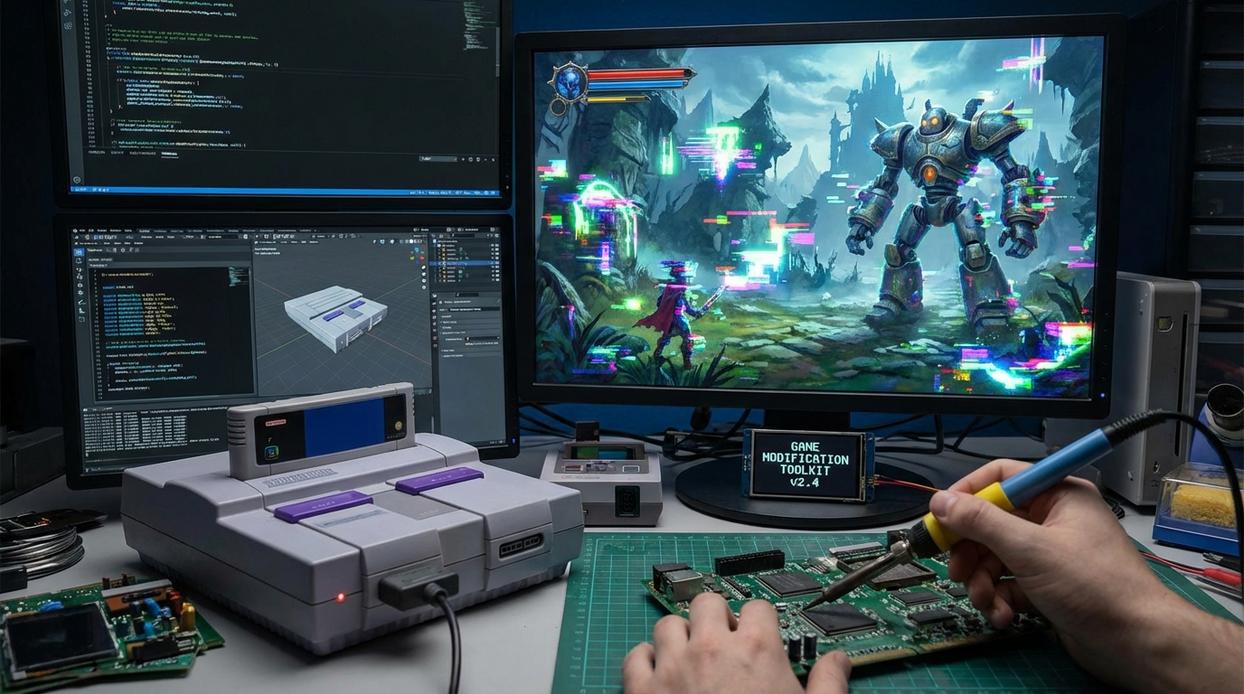
If you want smoother installs, fewer crashes, and total control over your load order, you need the right toolkit. Think of this as your foundation for a smarter game modding guide setup.
Where to Find Mods
Steam Workshop
- One-click installs
- Automatic updates
- Great for beginners
Downside: Limited customization and fewer advanced mods for some titles.
Nexus Mods
- Massive library
- Strong community ratings and feedback
- Supports advanced tools
Downside: Manual steps required without a manager (worth it for flexibility).
CurseForge
- Popular for Minecraft and indie titles
- Clean interface
- Easy modpack installs
Downside: Smaller selection outside supported ecosystems.
The benefit? You gain access to thousands of tested mods instead of random, risky downloads.
Why You Need a Mod Manager
Tools like Vortex and Mod Organizer 2 handle installation, load order (the sequence mods load in), and safe uninstalls. This prevents file conflicts and broken saves (which nobody wants after 40 hours of gameplay).
For best practices, see how to install and manage mods safely on pc games.
Other Must-Have Utilities
- Notepad++ – Edit config files safely
- 7-Zip – Extract compressed mod files
Pro tip: Always back up your save files before testing new mods. Your future self will thank you.
Your First Mission: A Step-by-Step Mod Installation Walkthrough
Let’s start with Stardew Valley—a beginner-friendly favorite with over 60,000 mods available on Nexus Mods alone (Nexus Mods, 2025). That popularity means better documentation, community ratings, and fewer headaches.
Step 1: Finding a Simple Mod
Head to Nexus Mods and search for a highly rated beginner mod like UI Info Suite 2 or a simple texture replacer. Sort by:
- Most Endorsed
- Highest Rated
- Recent updates
Look for mods with thousands of downloads and active comment sections. High engagement is evidence the mod works reliably (and hasn’t broken in the latest update).
Step 2: Using a Mod Manager (Vortex)
Manual installs work—but error rates drop significantly when using mod managers (Nexus reports Vortex as its most-used tool).
- Download and install Vortex.
- Log in with your Nexus account.
- Click “Mod Manager Download” on your chosen mod.
- Approve installation inside Vortex.
- Click “Enable.”
(Pro tip: Always check the “Requirements” tab before installing.)
Step 3: Launching and Verifying
Launch Stardew Valley through Vortex. If installed correctly, you’ll see UI changes or updated textures immediately. If not, check the “Mods” tab for errors.
That’s your first win—and your unofficial entry into the world of game modding guide mastery. Next stop: bigger mods (Skyrim-sized ambition optional).
Your Modding Journey Starts Now
You’ve moved past the fear and confusion that stop most players. With reputable sources, mod managers, and a simple starting point, you can mod safely and effectively. That’s the win. The payoff? More control, creativity, and performance in your games.
Start with the walkthrough example from this game modding guide and build confidence step by step. Soon you’ll customize visuals, balance mechanics, or add new quests.
|Step|Benefit|
|Start Small|Quick Wins|
|Use Mod Manager|Fewer Errors|
|Join Community|Faster Help|
Join a Discord or Reddit community to ask questions and discover new mods.
Level Up Your Mods and Dominate the Game
You came here looking for smarter ways to upgrade your gameplay, optimize your setup, and stay ahead of the latest modding trends. Now you have a clearer path to building a faster, smoother, and more immersive gaming experience.
Struggling with outdated mods, performance drops, or setups that just don’t feel competitive is frustrating. Falling behind in a fast-moving gaming world can cost you wins, time, and enjoyment. With the right game modding guide, proven strategies, and performance tweaks, you’re no longer guessing — you’re optimizing with purpose.
The next move is simple: start applying these modding techniques, fine-tune your setup, and stay updated with the latest tech-enhanced upgrades. Thousands of gamers rely on our expert-backed guides to boost FPS, unlock hidden features, and gain a real competitive edge.
Don’t settle for average gameplay. Upgrade your mods, sharpen your strategy, and transform your setup today. Dive into the latest guides now and start playing at your highest level.