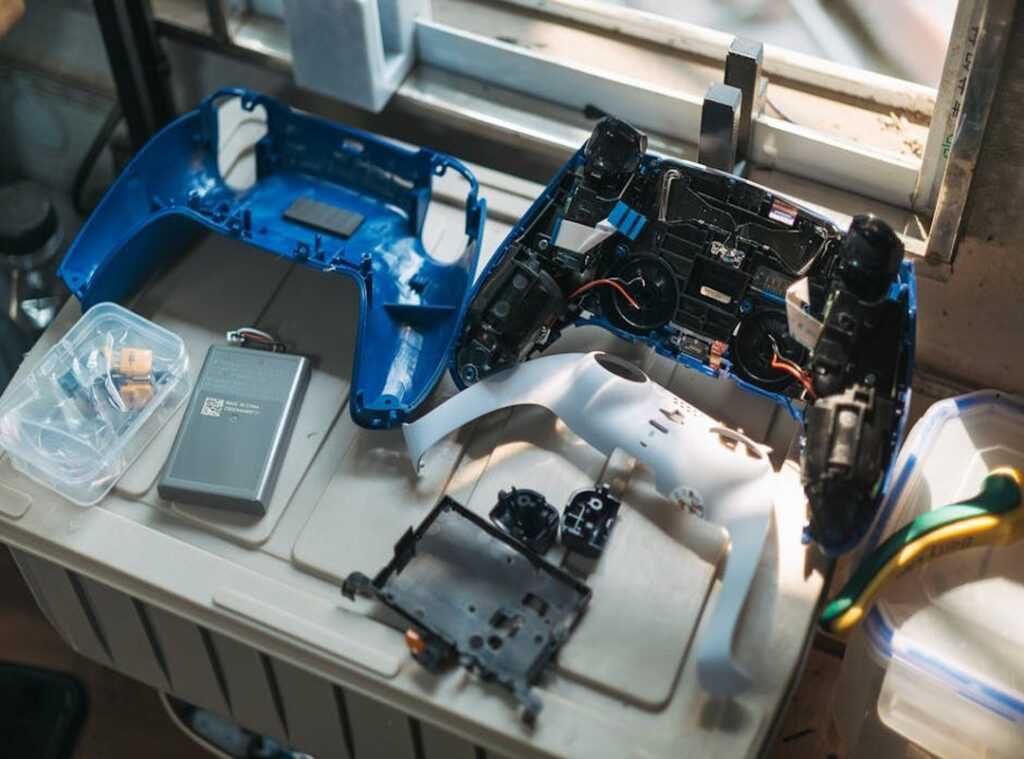
Most VR titles deliver impressive worlds out of the box—but the default experience is only scratching the surface. If you’ve ever felt like your headset could look sharper, run smoother, or offer more depth than it currently does, you’re absolutely right. Stock settings are built for the average user, which means performance, immersion, and replayability often go untapped. This guide is your practical roadmap to unlocking that hidden potential through VR game modding. You’ll learn safe, effective ways to enhance graphics, introduce custom content, and fine-tune gameplay mechanics—transforming standard VR experiences into personalized, high-fidelity adventures built around how you want to play.
Why Bother Modding? The Core Benefits of a Custom VR Experience
So, why tweak a game that already works? Because stock VR and modded VR are two very different beasts.
Visual Fidelity: Default vs Enhanced
Out of the box, most VR titles balance performance and graphics. However, installing high-resolution textures and advanced lighting shaders can dramatically sharpen details and deepen shadows. Think vanilla Skyrim versus a fully modded build—it’s the difference between “nice” and “is this real?” By pushing your hardware to its limits, environments feel tangible rather than painted-on.
Gameplay Expansion: Finite vs Endless
Standard gameplay eventually runs out. In contrast, custom quests, weapons, and entirely new modes can add hundreds of hours. VR game modding transforms a closed experience into an evolving sandbox.
Quality of Life: Friction vs Flow
Clunky menus or awkward controls can break immersion. Meanwhile, QoL mods streamline inventory systems and refine inputs, making play intuitive. Ultimately, it’s not just about changing a game—it’s about upgrading the experience.
Your Modding Toolkit: Essential Software and Safety Protocols
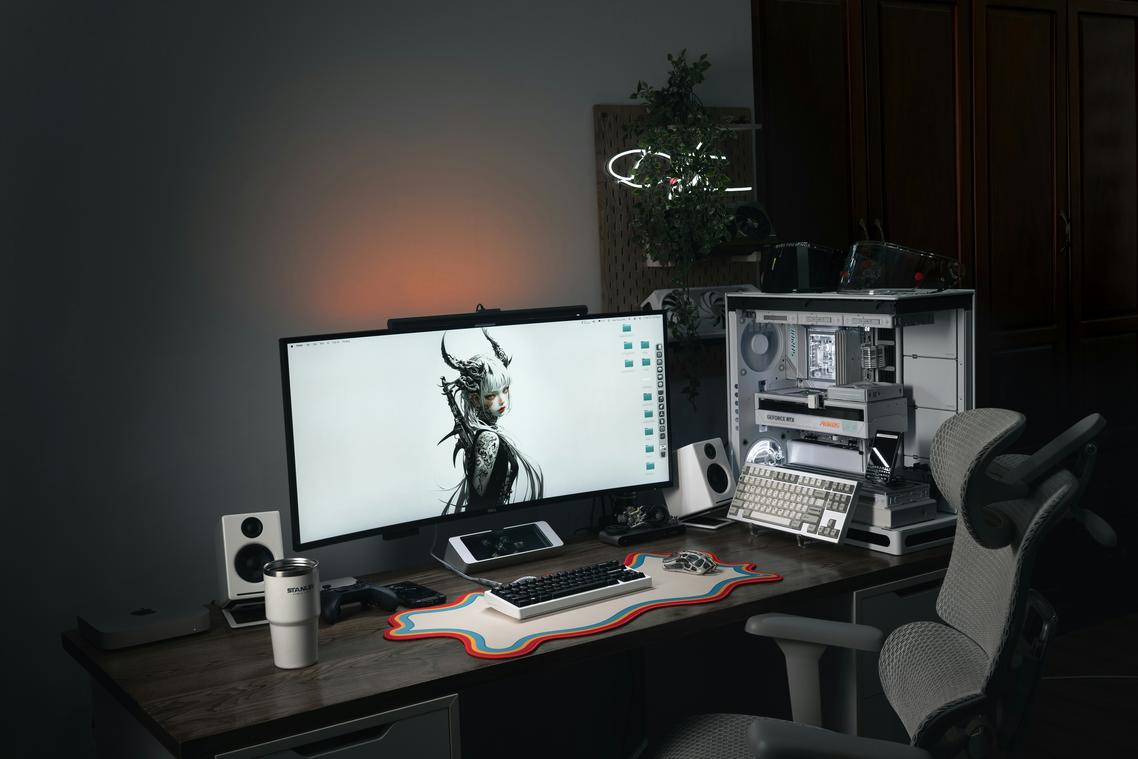
Choosing the Right Tools (Before You Break Something)
Back in 2019, installing mods often meant dragging files into folders and hoping nothing exploded. Today, mod managers like Vortex and Mod Organizer 2 make the process almost one-click. A mod manager is software that organizes, installs, and isolates mods so they don’t overwrite critical game files. In other words, it keeps your digital house from catching fire.
Some purists argue manual installs give you “full control.” Technically true. But after three months of testing different setups, most users found managers dramatically reduced crashes caused by file conflicts (when two mods try to change the same asset). Convenience and stability usually win.
Next, finding safe mods matters. Stick to trusted platforms like Nexus Mods or GitHub, where community vetting helps flag broken files. Read user comments carefully—if multiple players report corrupted saves, believe them. (The comment section is your early warning system.)
And then, the golden rule: back up everything. Save your original game files and save data before touching a single mod. Cloud backups or external drives work best.
Finally, understand load order—the sequence in which mods initialize. Load order determines which mod’s changes take priority. Mod managers automate this, which is especially critical in VR game modding, where stability directly impacts immersion. Pro tip: always rerun your load order tool after adding new mods.
Visual Overhauls: A Practical Guide to Next-Gen Graphics
Back in 2019, most “HD texture packs” meant slightly sharper armor and maybe cleaner stone walls. Fast forward to 2026, and we’re talking full 4K and even 8K texture replacements—ultra‑high‑resolution image files that wrap around 3D objects like digital wallpaper. In simple terms, a texture pack swaps blurry, low-resolution surfaces for crisp materials that reveal fabric stitching, weathered metal, or cracked earth in stunning detail. After three months of testing different packs, one thing becomes clear: quality assets can make a 10-year-old game feel brand new.
However, not everyone agrees these upgrades are worth it. Some players argue that higher resolution alone doesn’t change gameplay. That’s fair—graphics aren’t mechanics. Yet atmosphere matters. Tools like ENBs (post-processing injectors that enhance lighting and color) and weather mods introduce volumetric fog, dynamic skies, and realistic shadows. Suddenly, a sunrise isn’t just orange—it glows, diffuses, and shifts in real time (and yes, it can feel straight out of a fantasy epic).
That said, visuals mean nothing if performance tanks. Frame rate—the number of frames displayed per second—directly affects smoothness, especially in VR game modding. Therefore, optimization mods that clean scripts and reduce stutter are essential. Pro tip: benchmark before and after each install.
For streamlined setup, explore automation and scripting tools that improve mod efficiency.
Gameplay Revolution: Adding New Content and Mechanics
Expanding your arsenal starts with community-created weapons, armor, and spells that feel built for your headset. Many include unique physics, meaning weight, swing speed, and collision react naturally to your movements. If you’re exploring VR game modding, look for files labeled with custom handling or haptic-ready support; these usually offer the best feedback.
Next, expand where you play. Custom-made maps, dungeons, and questlines can double a title’s lifespan. Instead of replaying the same corridor, you can explore fan-built castles, sci-fi outposts, or survival arenas. Pro tip: check compatibility notes and load order instructions before installing, since conflicting assets cause crashes.
For deeper immersion, focus on mechanics upgrades. Consider:
- Smarter AI that flanks, retreats, or coordinates attacks.
- Realistic object physics so items stack, shatter, or roll believably.
- Full-body avatars that mirror your stance and gestures.
Some players worry mods complicate setup, but most modern tools offer step-by-step installers and clear documentation. Start small, test each addition, and build gradually for a smoother, more stable experience.
This approach keeps performance steady while unlocking fresh challenges, smarter enemies, and memorable moments you simply won’t find in the base game. Play smarter, not harder.
Your Personalized Reality Awaits
You set out to transform ordinary gameplay into something uniquely yours—and now you know exactly how to do it. With the right approach to VR game modding, any stock experience can evolve into a fully personalized world built around your preferences, playstyle, and performance goals.
The real pain point isn’t your hardware—it’s untapped potential. Playing the same default content over and over limits what your VR system can truly deliver. Mods unlock smoother performance, sharper visuals, smarter mechanics, and endless fresh content so your investment keeps paying off.
Start small. Choose one highly rated visual or quality-of-life mod for your favorite title and install it today. Experience the difference firsthand. That single upgrade will show you what’s possible.
Thousands of gamers are already enhancing their setups with proven, top-rated mods. Don’t settle for default. Upgrade your experience now, explore the best community-backed mods, and take full control of your virtual world.

 Lorven Zyphandell has opinions about platform play strategies. Informed ones, backed by real experience — but opinions nonetheless, and they doesn't try to disguise them as neutral observation. They thinks a lot of what gets written about Platform Play Strategies, Insider Tips, Gamer Setup Optimization Tips is either too cautious to be useful or too confident to be credible, and they's work tends to sit deliberately in the space between those two failure modes.
Reading Lorven's pieces, you get the sense of someone who has thought about this stuff seriously and arrived at actual conclusions — not just collected a range of perspectives and declined to pick one. That can be uncomfortable when they lands on something you disagree with. It's also why the writing is worth engaging with. Lorven isn't interested in telling people what they want to hear. They is interested in telling them what they actually thinks, with enough reasoning behind it that you can push back if you want to. That kind of intellectual honesty is rarer than it should be.
What Lorven is best at is the moment when a familiar topic reveals something unexpected — when the conventional wisdom turns out to be slightly off, or when a small shift in framing changes everything. They finds those moments consistently, which is why they's work tends to generate real discussion rather than just passive agreement.
Lorven Zyphandell has opinions about platform play strategies. Informed ones, backed by real experience — but opinions nonetheless, and they doesn't try to disguise them as neutral observation. They thinks a lot of what gets written about Platform Play Strategies, Insider Tips, Gamer Setup Optimization Tips is either too cautious to be useful or too confident to be credible, and they's work tends to sit deliberately in the space between those two failure modes.
Reading Lorven's pieces, you get the sense of someone who has thought about this stuff seriously and arrived at actual conclusions — not just collected a range of perspectives and declined to pick one. That can be uncomfortable when they lands on something you disagree with. It's also why the writing is worth engaging with. Lorven isn't interested in telling people what they want to hear. They is interested in telling them what they actually thinks, with enough reasoning behind it that you can push back if you want to. That kind of intellectual honesty is rarer than it should be.
What Lorven is best at is the moment when a familiar topic reveals something unexpected — when the conventional wisdom turns out to be slightly off, or when a small shift in framing changes everything. They finds those moments consistently, which is why they's work tends to generate real discussion rather than just passive agreement.